- Published on
- · 3 min read
The Proton Ecosystem: A Privacy-Focused Alternative to Big Tech
- Authors
-
-

- Name
- Abdul Rauf
- @armujahid
-
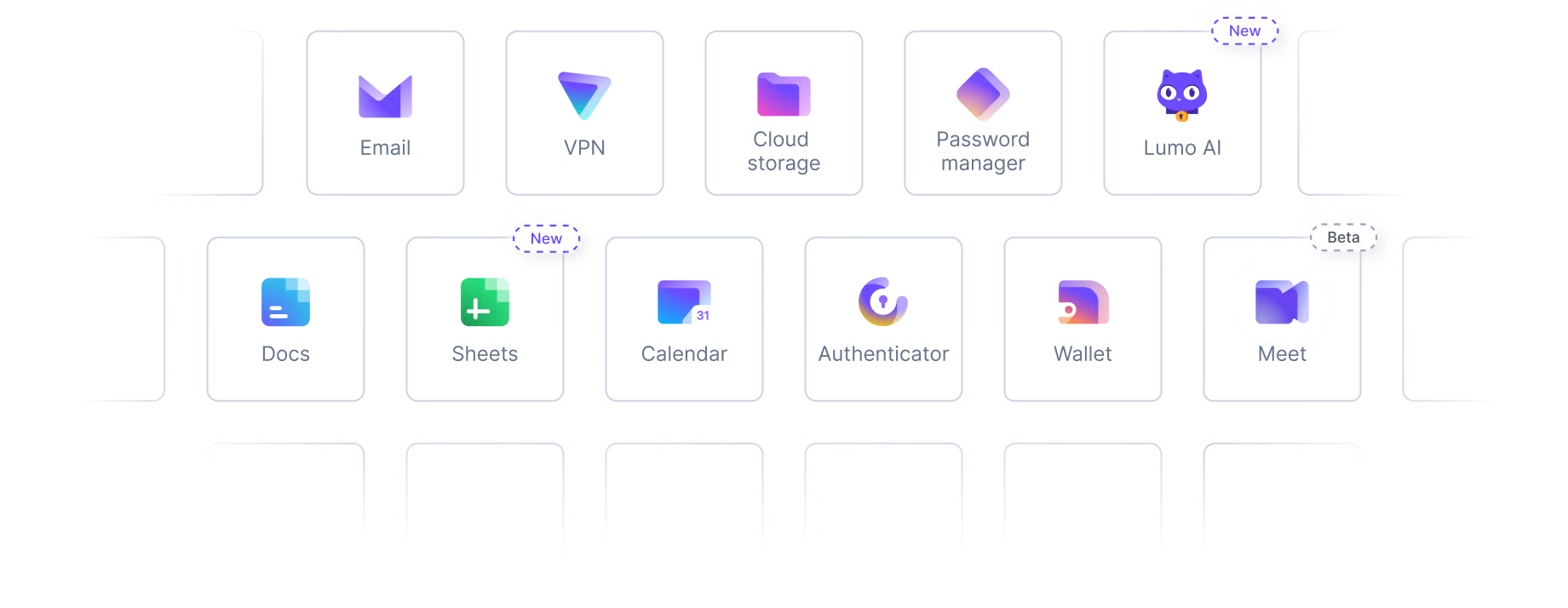
If you’ve ever felt uneasy about how much Google or Microsoft knows about you, you’re not alone. From reading your emails to tracking your location, Big Tech’s business model is built on your data. Proton offers a different approach - a Swiss-based company focused on privacy-first services with end-to-end encryption.
Here’s an honest look at what they offer.
ProtonMail
ProtonMail is the flagship product - encrypted email that even Proton can’t read. No ads, no data mining, and your emails are stored on servers protected by Swiss privacy laws.
You get custom domain support on paid plans, making it viable for professional use.
The downsides: The web interface feels less polished than Gmail, and search functionality is limited since emails are encrypted (they can’t index what they can’t read).
ProtonVPN
A solid VPN with a strict no-logs policy and open-source apps you can audit yourself. They offer a generous free tier, which is rare for VPNs. Advanced security features like Secure Core routing (multi-hop) and Tor over VPN, streaming, P2P support and Malware/ads blocker are available on paid plans.
The downsides: Speeds can vary during peak hours, but otherwise solid.
ProtonDrive
Encrypted cloud storage with zero-knowledge encryption - meaning Proton has no way to access your files. Windows, MacOS, iOS and Android clients are available.
The downsides: There’s no Linux desktop client yet (you’re stuck with the web interface), and it’s not as seamlessly integrated as Google Drive with its ecosystem of apps. Their rclone support is also not yet mature and often breaks as well. They are working on a Linux SDK though that should make it easier for third-party developers to build Linux clients.
SimpleLogin
This is one of my favorite services, now part of the Proton family. SimpleLogin lets you create email aliases to protect your real email address from spam and tracking.
You can use their built-in aliases like random123@aleeas.com, or set up a custom domain for cleaner aliases like amazon@yourdomain.com or newsletter@yourdomain.com. When a service starts spamming you, just disable that alias.
It’s a simple but powerful way to take control of your inbox.
You can even use this without ProtonMail - it works with any email provider.
There is a huge possibility that your gmail or microsoft email is already leaked in a databreach causing spam and phishing emails (You can confirm at https://haveibeenpwned.com/). Using aliases can help mitigate that risk.
TIP
Any .xyz domain of the format <6-9 digits>.xyz is ~99 cents/year. Great for custom alias domains! These are called 1.111B class domains. For more info, check out https://www.reddit.com/r/homelab/comments/vtqg9m/psa_any_xyz_domain_of_the_format_69_digitsxyz_is/
The downsides: Some services may block sign-ups from their known alias domains, but this is becoming less common. You’ll need a paid plan for custom domains.
Other Services
Proton also offers Proton Calendar (encrypted calendar) and Proton Pass (password manager) for those who want everything under one privacy-focused roof.
The Honest Take
Proton isn’t perfect. The services are less polished than Google’s offerings (mostly due to End-to-end encryption (E2EE) and privacy constraints), so you’ll sacrifice some convenience for privacy. But if you’re looking to gradually de-Google your life without going full tinfoil hat, Proton is a solid middle ground.
You don’t have to switch everything at once - start with email or VPN and expand from there.
If you want to give Proton a try, here’s my referral link that should provide a two-week free trial plus some credit ($20 at the time of writing).